System Updates 1.4
1.New team role -- PL(Platform Leader)
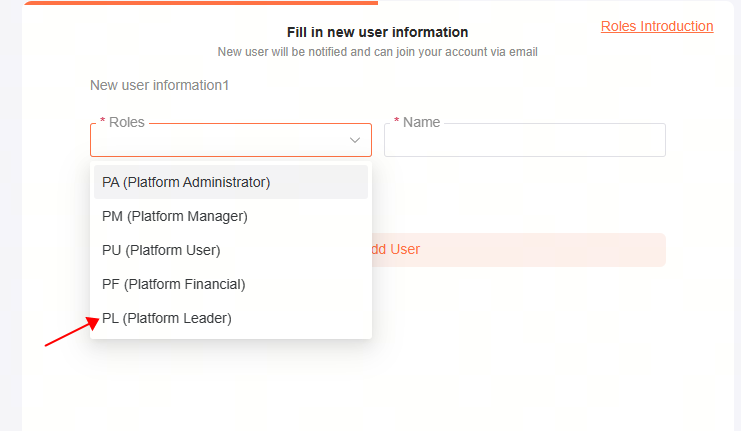
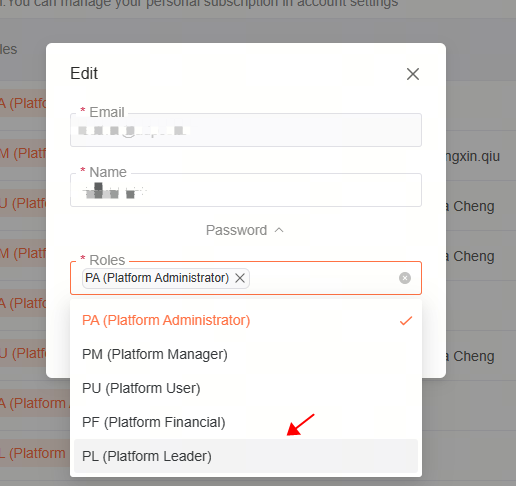
PL (Platform Leader)
Role permission
1.Team Leader,manage both team users and the cards under their names.
2.Top-up/Withdraw/Create/Inactive for team Cards
3.Team Cards Transaction Reports
4.Manage Team Users
Steps:
1、Create a new user as PL
Entrance: Team->invite users/user edit

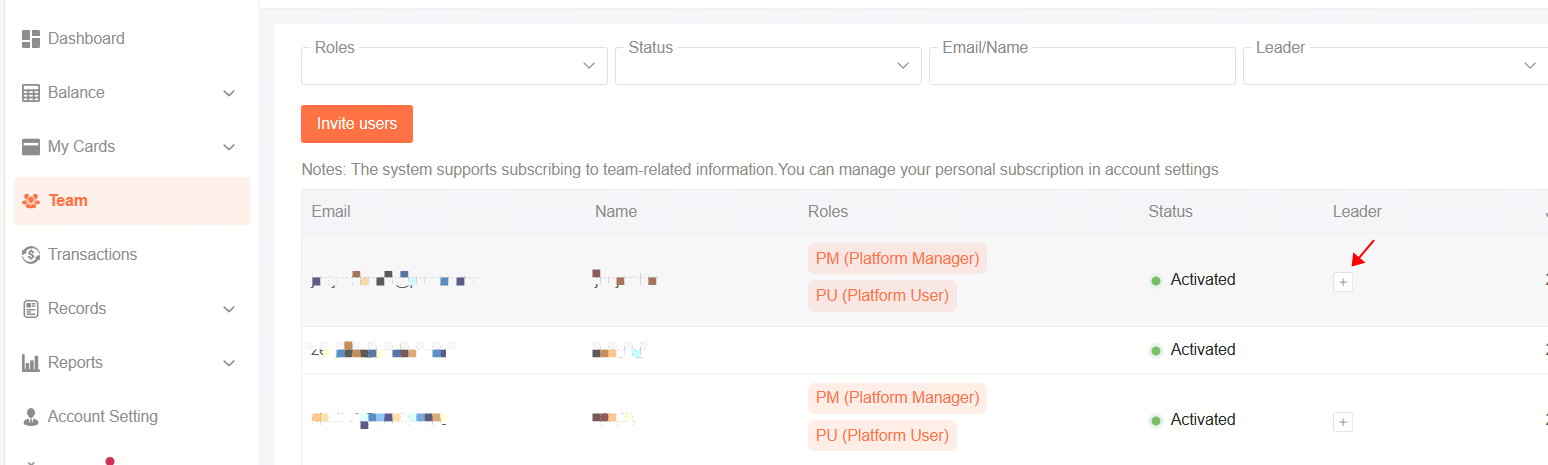
2、Add leaders to existing users
Entrance: Team->Leader
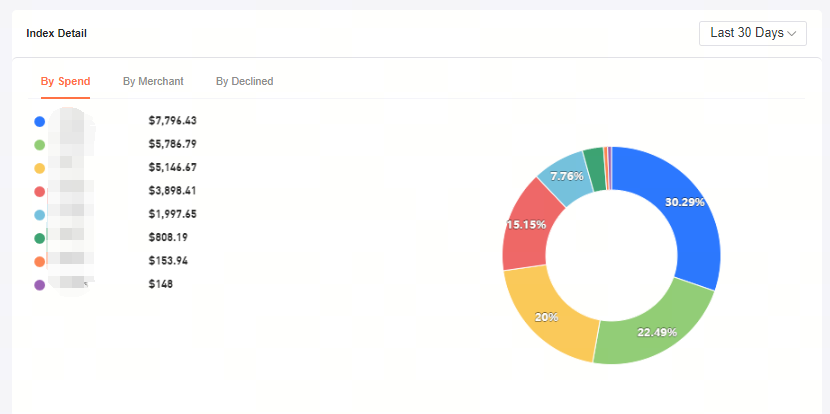
3、Team and personal data can be displayed on the Dashboard

2.Dashboard update
- In the Dashboard, the corresponding data of each role will be displayed.

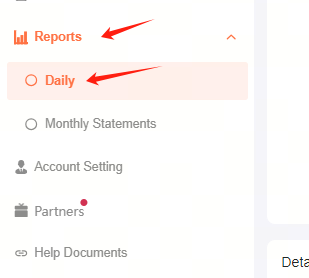
- In the Reports-Daily page, you can view the daily consumption data of User/leader.